De-authorize Ipad
Creation date: 9/2/2020 5:22 AM
Updated: 9/2/2020 5:22 AM
It May be necessary to De-authorize a iPad,
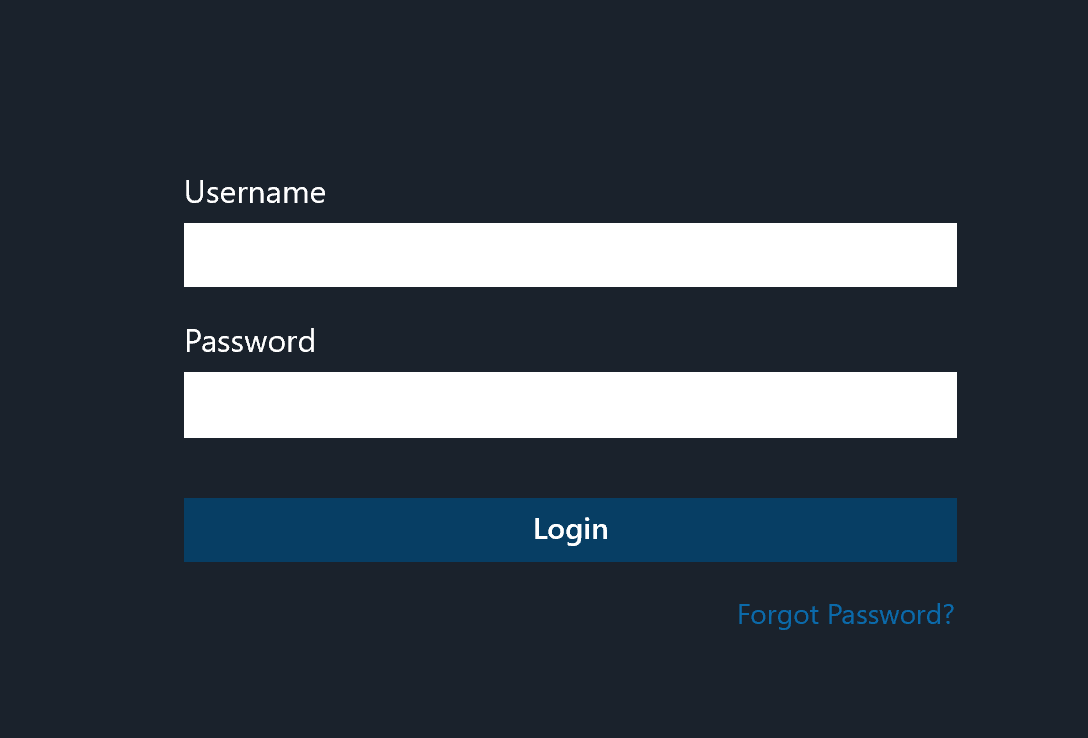
Step 1
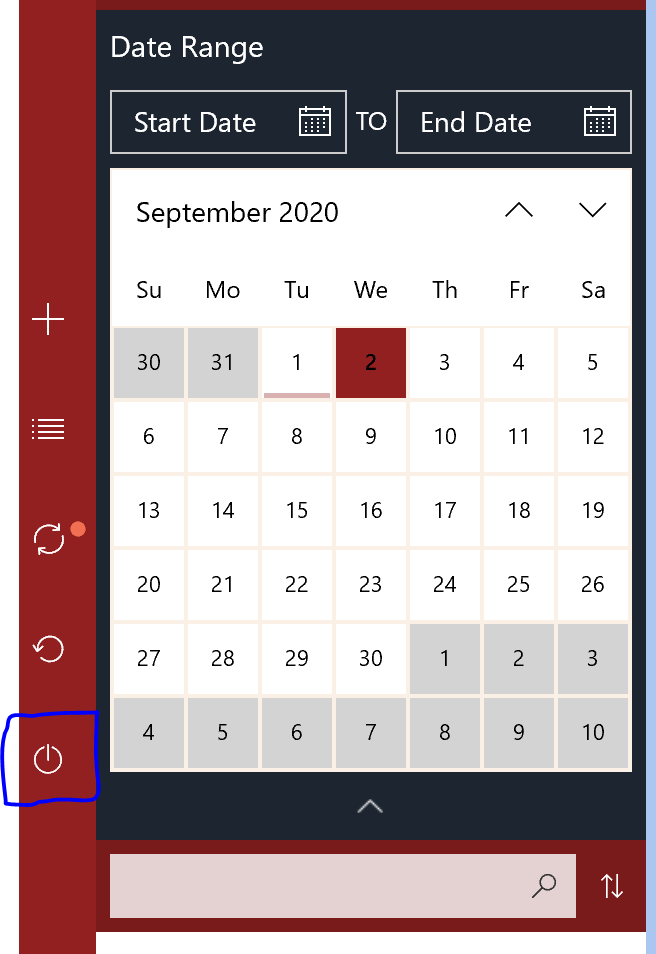
log off using the power symbol button on the left side of the mobile app.
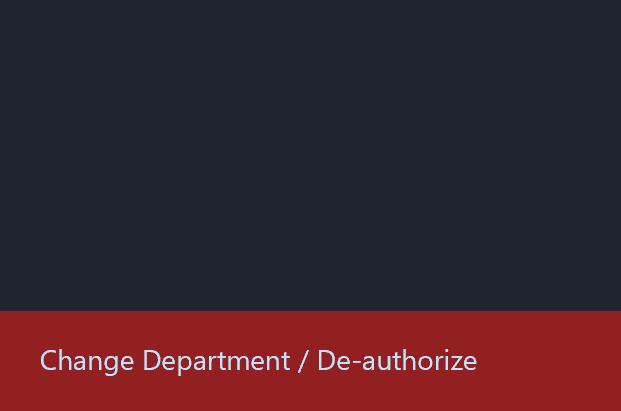
Click on Change Dept / De-authorize on the bottom left.
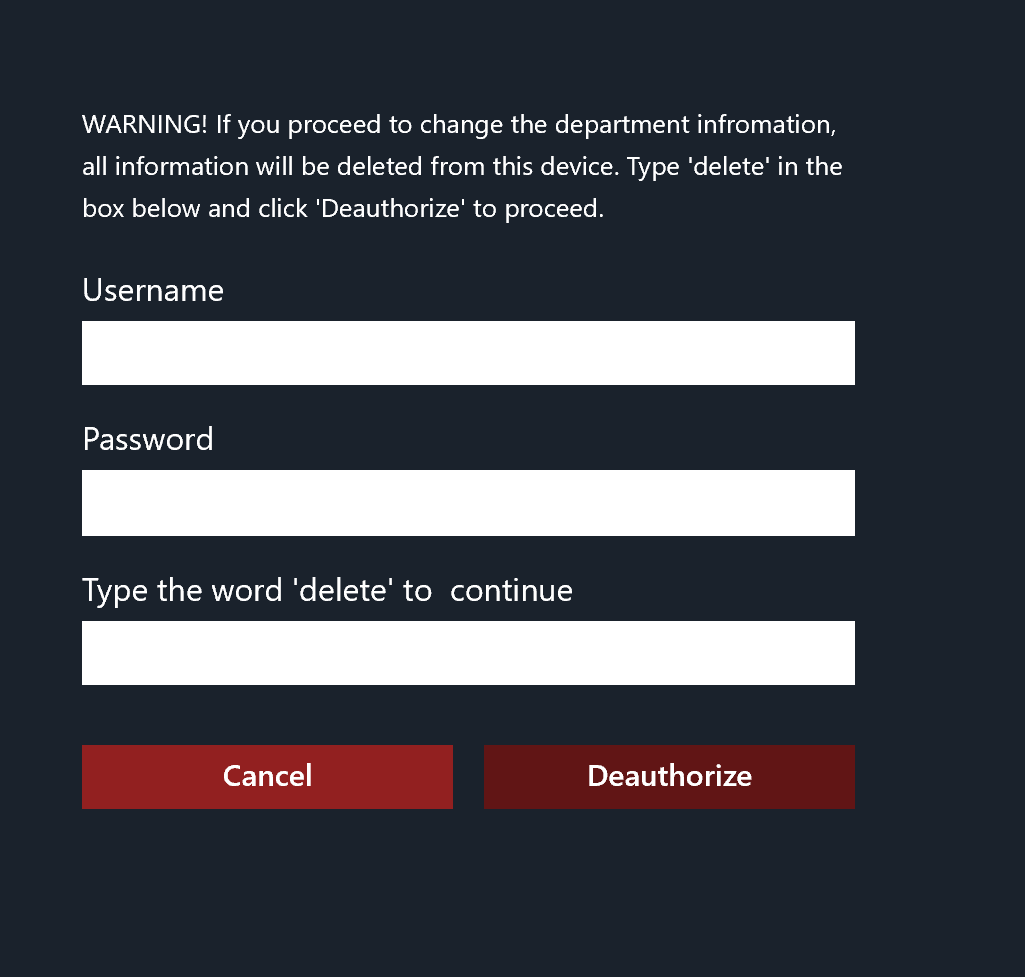
Fill out the form to clear all data from the device.
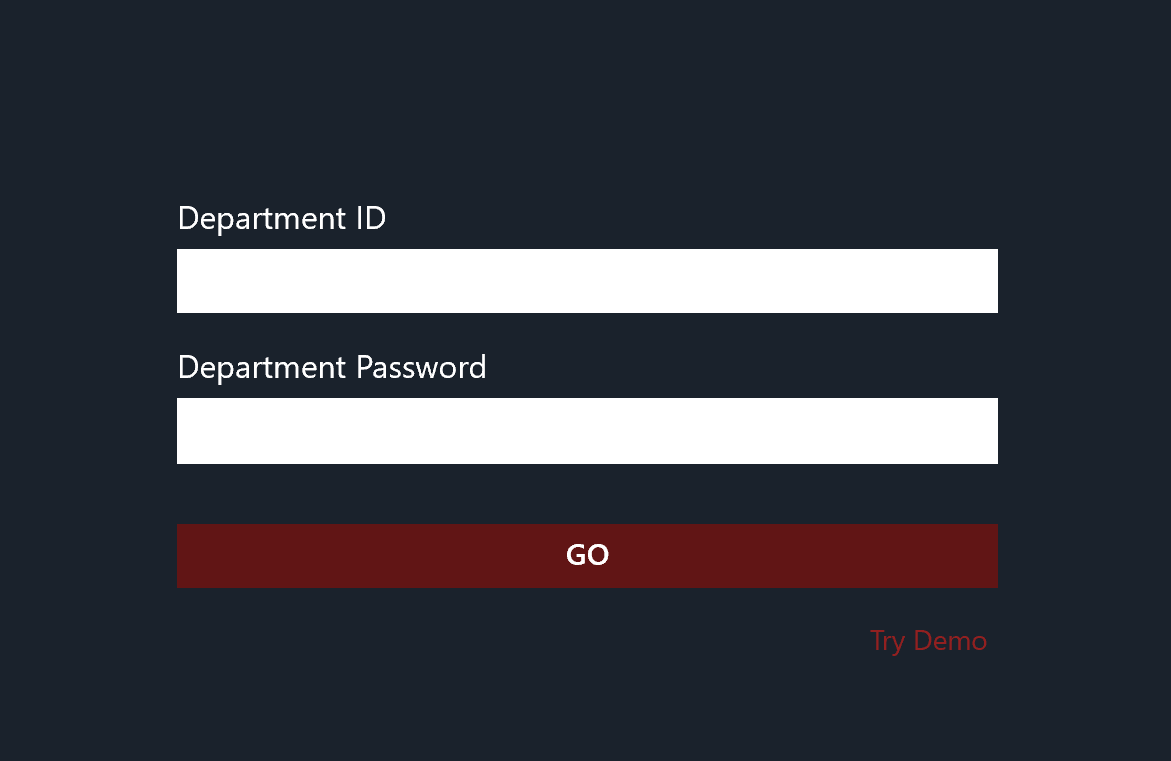
Put in your Mobile license Key / Dept ID
Password is not used, please use any single Character like the letter B
Next put in your Streamline user id and password.
once you hit login the system will preform a initial sync this may take several minutes depending on your Database size.
DataImage67.png
DataImage7.png
DataImage62.png
DataImage53.png
DataImage92.png